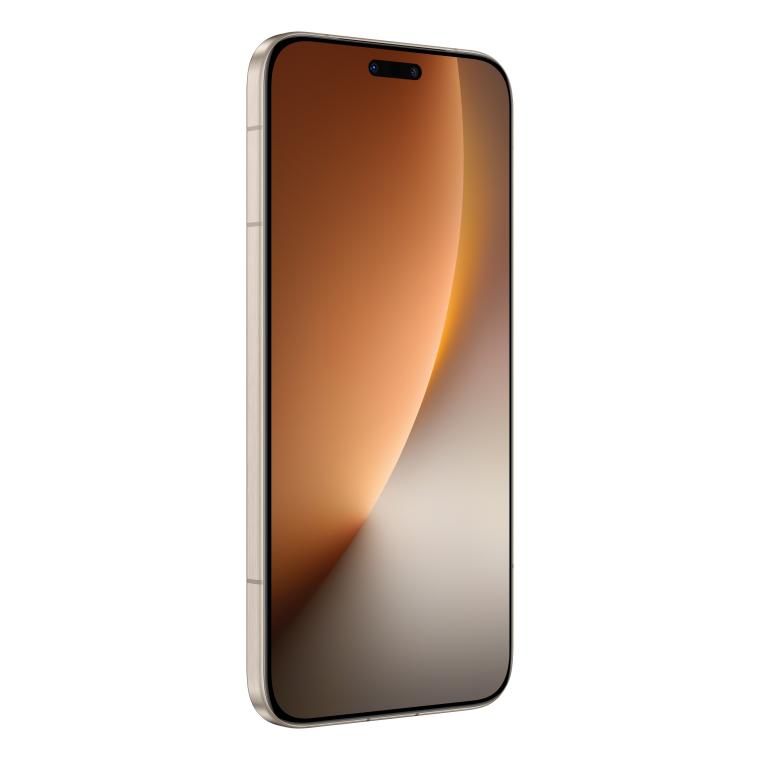
Charging issues often show up suddenly, disrupting your routine at the most inconvenient times. You might plug in your phone at night expecting a full battery by morning, only to find that it barely charged at all. These moments can feel stressful, especially when you rely on your device for work, navigation, or communication throughout the day. Understanding the root causes helps you stay calm and solve the issue step by step rather than guessing or replacing parts unnecessarily. In this article, we will walk through practical ways to identify and fix the reasons your phone may not be charging properly.
Check Your Charging Cable and Power Adapter
Inspect and Test Your Charging Cable
A charging cable is often the most common point of failure, especially when it bends frequently inside bags, pockets, or car compartments. Tiny internal breaks may not be visible from the outside, yet they interfere with the steady flow of power your phone needs. Testing the cable by gently adjusting it during charging can reveal if the connection cuts in and out. You can also try the same cable with another device to confirm whether the issue follows the cable or stays with the phone. Replacing a worn cable is a simple and inexpensive step that frequently restores normal charging.
Verify Your Power Adapter and Source
A power adapter can malfunction gradually, delivering unstable or weak output without obvious external signs. This often happens when adapters are used daily for long stretches of time or plugged into outlets with fluctuating power supply. Trying a different outlet or switching to a known-working adapter helps narrow down the cause. Wall sockets can loosen or fail over time, especially in busy homes where plugs are frequently pulled in and out. Testing different sources ensures your phone receives consistent power during charging.
Clean and Examine the Charging Port
Safely Remove Lint and Debris
Charging ports often collect dust and lint from pockets, bags, and everyday environments, blocking the connector from making full contact. A simple flashlight inspection can show whether debris is preventing the plug from seating properly. Using a soft, dry tool like a wooden toothpick helps you remove buildup without scratching or damaging the internal pins. Cleaning should be done gently, as too much pressure can bend components inside the port. Once cleared, the cable typically fits more securely and restores normal charging behavior.
Check for Physical Port Damage
Physical damage inside the port can occur when the cable is inserted too forcefully or pulled out at an angle during daily use. Signs of damage include loose connections, shifting when the cable moves, or visible misalignment of the internal pins. If the port wiggles or the phone charges only when held at a particular angle, internal components may have been bent. These issues cannot be repaired at home because the port requires precise positioning to function correctly. Recognizing these symptoms early prevents further damage and helps you decide whether professional service is needed.
Address Software and Battery Issues
Restart and Update Your Phone
Software interruptions can block charging detection, causing your device to ignore the connection even when the hardware is intact. Restarting your phone clears temporary system errors and refreshes charging protocols that may have stalled. When the operating system becomes outdated, background processes may not manage power efficiently, leading to inconsistent charging responses. Installing system updates often resolves these conflicts by optimizing how the battery and charging components communicate. Keeping your phone up to date ensures smoother performance across all daily tasks.
Check Battery Health and Settings
Over time, battery health naturally declines, reducing its ability to accept and store power efficiently. Many phones include settings that show battery condition, giving you clues about whether aging components are affecting charging speed. Features such as power-saving modes or charging limits can sometimes delay full charging, especially when activated automatically. Adjusting these settings helps you determine whether the problem is intentional behavior rather than a malfunction. Paying attention to sudden drain or unusual charging patterns also helps identify when the battery may need service.
Test with Different Charging Methods
Trying multiple charging methods reveals whether the problem lies with the accessory or the phone itself. Charging through a wall adapter typically provides the most stable power, while connecting through a computer port may deliver slower or inconsistent results. Wireless charging can also help you determine whether the wired port is malfunctioning, as it bypasses the physical connector completely. If one method works while another fails, the issue is usually isolated to the accessory or the charging port. Testing in this way gives you clearer direction before seeking professional repair.
When to Seek Professional Help
Identify Signs of Hardware Failure
Some warning signs indicate deeper internal issues that require expert diagnosis to avoid worsening damage. A phone that heats up while charging, repeatedly disconnects, or refuses to recognize any power source may have a failing charging circuit. Dropping the device or exposing it to moisture can also weaken soldered joints or corrode connections inside the phone. These symptoms often do not improve with cable changes, cleaning, or software adjustments. Reaching out to a technician at this stage prevents further complications and preserves the safety of your device.
Understand Repair vs Replacement Options
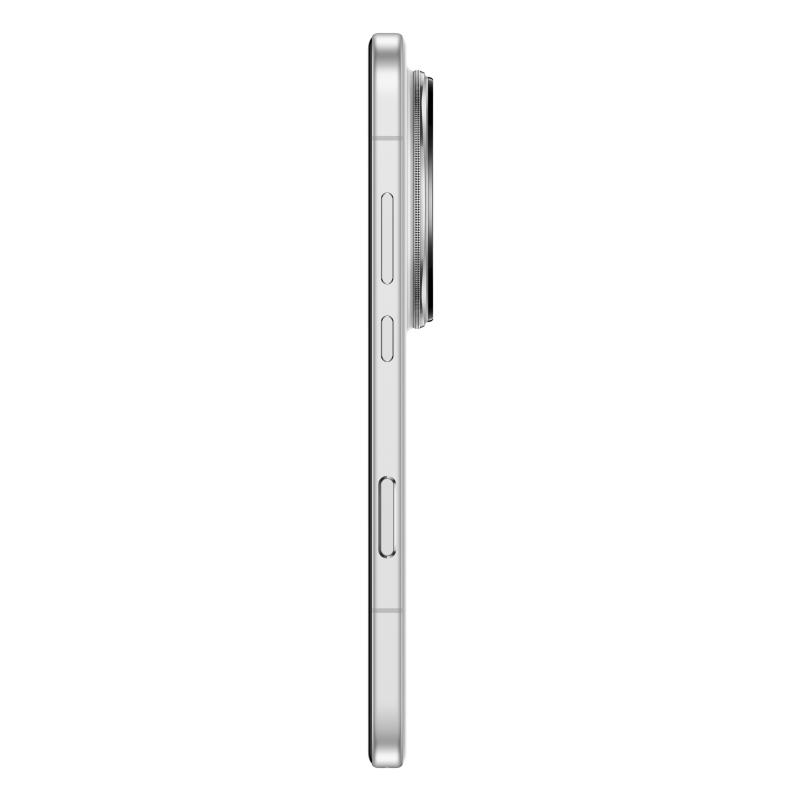
Deciding between repair and replacement depends on the severity of the issue, the age of the phone, and your long-term needs. A damaged charging port can often be repaired at a reasonable cost, especially when the rest of the device functions well. For an older phone nearing the end of its usable life, replacement may bring more value, particularly with newer models offering smoother performance and stronger power management. A device such as the HONOR Magic8 Pro is expected to provide efficient charging support and balanced hardware design, making it a practical upgrade for users who rely heavily on consistent battery performance. Considering the balance between repair cost and long-term reliability helps you make a choice that fits your daily lifestyle.
Conclusion
Charging problems can feel disruptive, but most issues can be solved with patient troubleshooting and attention to small details. Working through each possible cause step by step often brings clarity and prevents unnecessary frustration. Cleaning the port, testing accessories, and reviewing software settings eliminate many common obstacles to proper charging. When the problem turns out to be hardware-related, professional guidance ensures a safe and effective solution. With the right approach, you can restore dependable charging and keep your phone ready for everyday use.

Leave a Comment